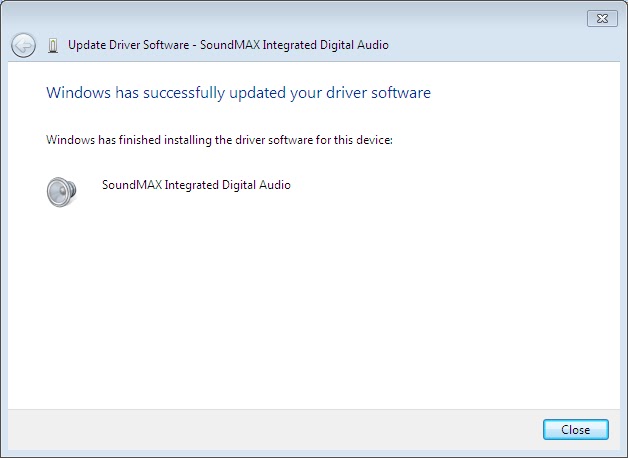
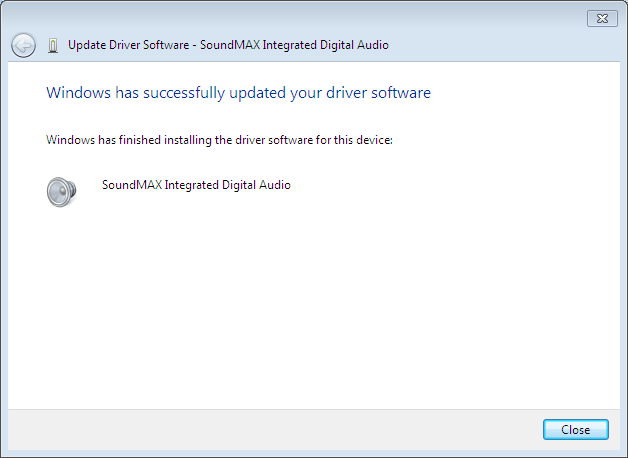
Sound issue is most common problem in Windows. Sometime if you play any game, video or any other in full screen mode the problem may be happen. For resolving this problem you must restart your PC. And another problem is that your PC is not playing any media file, games or any other for sound driver problem. So you need to update your driver for resolving bug. So let’s start

Online Method
You can download sound driver from windows update. There you will get official sound driver.
If you aren’t install any sound driver you can download and install sound driver from Windows Update.
If you already install sound driver, want to update it, go to ‘Device Manager’ with administrator permission. Under ‘Sound video and game controller’ you will get your sound driver. Right click on your sound driver and press ‘Uninstall’ Button. Then enable this option ‘Delete this driver from system’ and press ‘Uninstall’. Now Restart your PC. Then update your driver from Windows update.
Offline Method
For offline method you must download official sound driver files. You can also download sound drivers file from below link.
How to Install Sound Driver?
Extract the archive to your desktop named ‘MEDIA’
Open ‘Control Panel’ and go to ‘Devices and Printers’
Open your PC and click on ‘Hardware’
Double click on ‘Multimedia Audio Controller’ (Only for those windows whose don’t have any sound driver)
Click On ‘Update Driver’
Then choose ‘Browse my computer for driver software’
Click on ‘Browse’ button and choose your ‘MEDIA’ folder which is located on your desktop
Press Ok button and Next button.