How to download YouTube video in to my Phone Memory?
You can download YouTube video only 2 step
- With Software
- Without Software
You can download YouTube video using a mobile app named Videoder Video Downloader. This method is too easy. Just open YouTube, click on share button and click on Download Video with Videoder.


2. Without Software method (Recommended for Advanced users)
If you want to download YouTube Video without any software (Recommended for PC) you can follow this method.
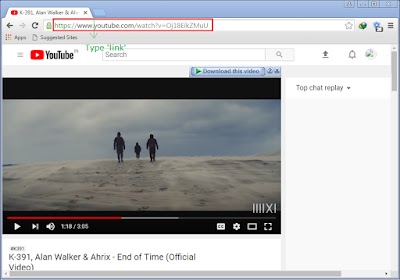
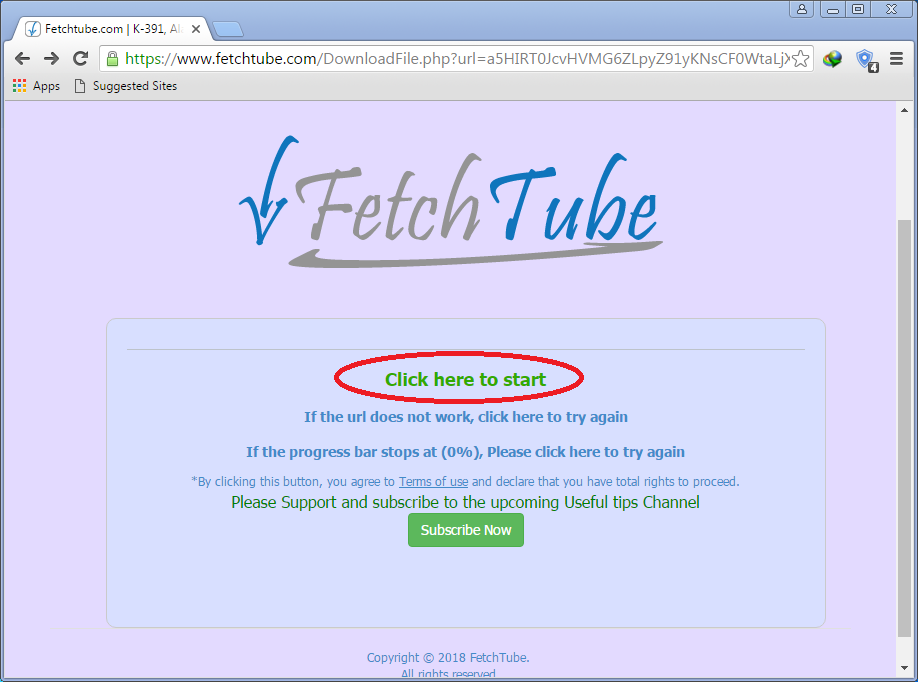
At first open the video into your browser (You can copy YouTube video link into your browser). Select the url and type ‘link’ before ‘youtube.com’ and go to the link.Then you will be reached to ‘FetchTube.com’. There you will get a button name ‘Load Options’ click on that. After few seconds there you will get download link of MP4, webcam, mp3(for download mp3 click on the ‘Listen’ button). After choosing your destination link, click on ‘Click here to continue’ link. After few seconds you will get a button ‘click here to start’. click on that and wait until the progress bar reached to 100%. Then your download will be start automatically.

But FetchTube doesn’t support many format videos and can’t support subtitles. So I recommended to use Videoder.